
A family Advent devotional
Countdown to the Manger
Count down to the manger together.
Your free devotional, printables, extras and printing help.
Also in paperback
Full color, 5.5 x 8.5 in $12.99


Let’s match the files to your printer.
Three quick questions, then everything below is ready to print.
Answer all three questions to see your files.
Your files: US Letter Color
Download everything (zip)Printables
Bonus resources
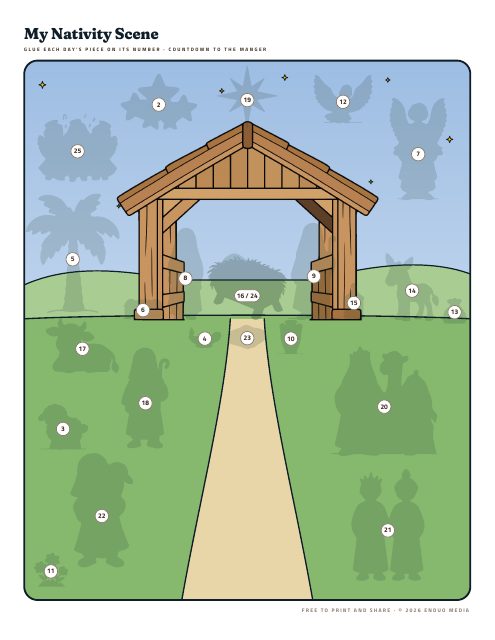
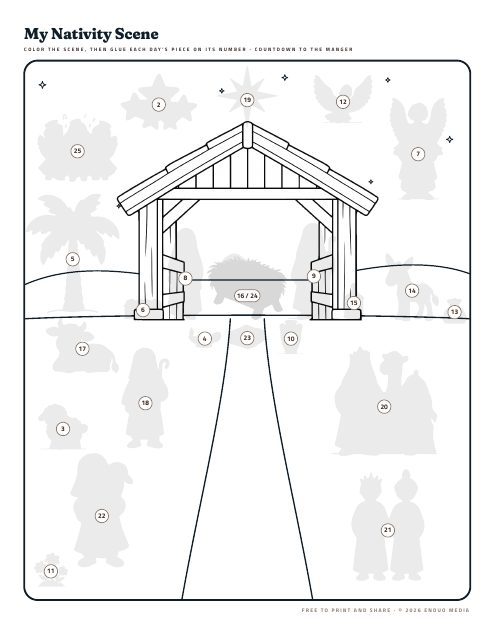
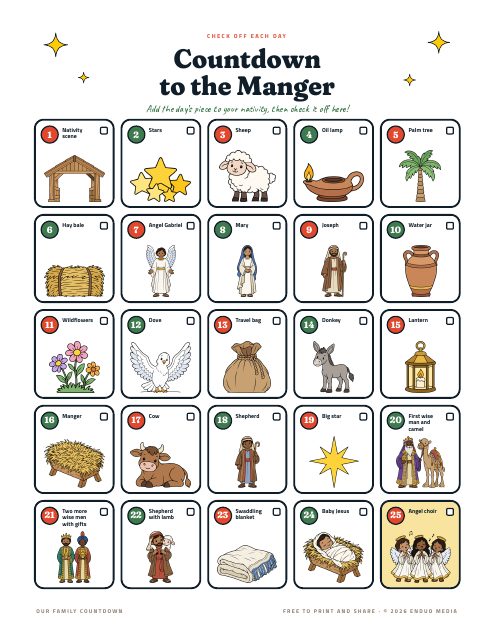
The nativity comes two ways. Pick full color if you just want to cut and glue, or to color if your kids would like to color each piece first. You only need one.
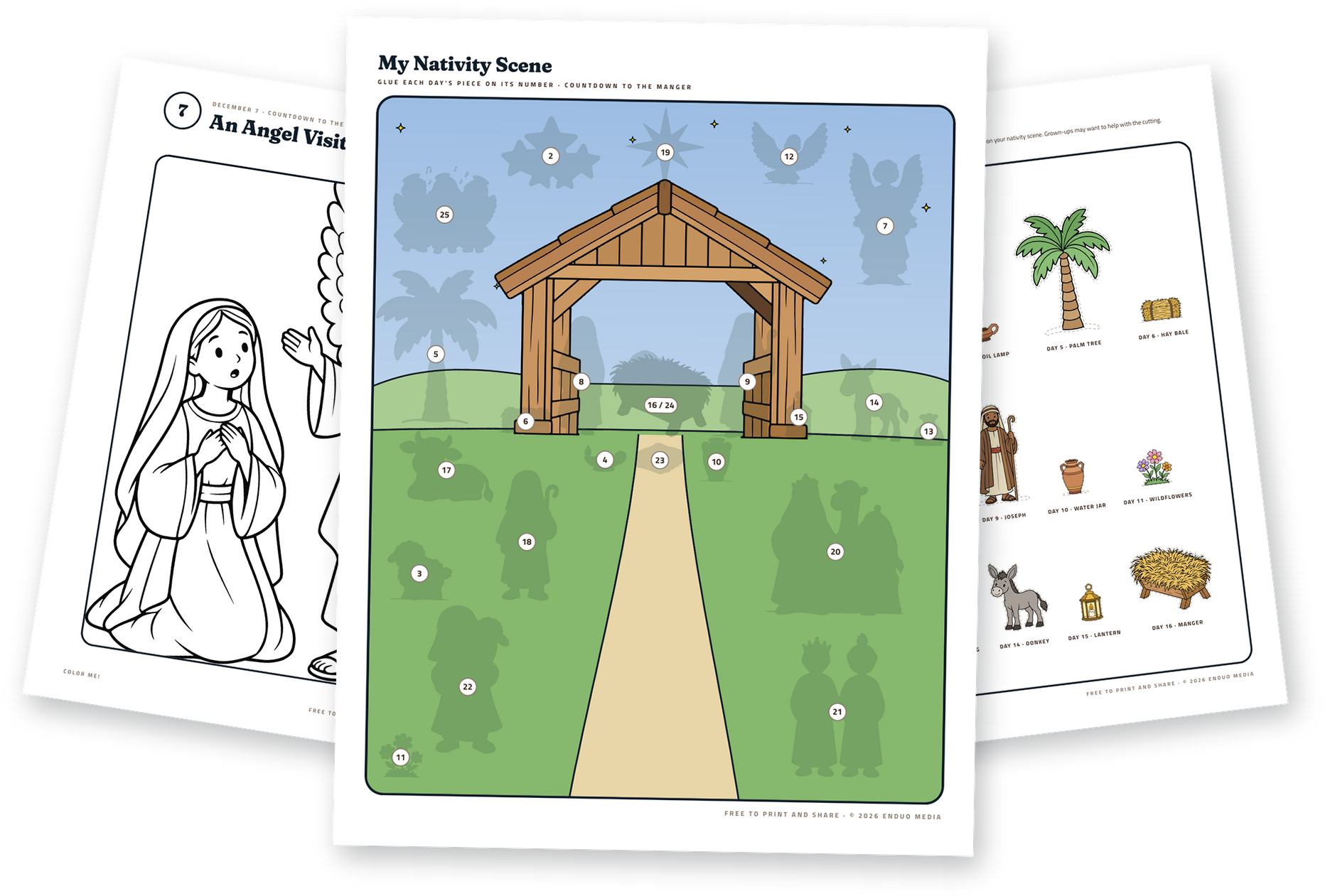
Before you print
- Print at actual size. Choose “Actual size” or 100%, not “Fit to page.” The files already leave room for home printer margins.
- Cut-outs go single-sided. Print ornaments, cards, nativity pieces and candle tags on one side only, so cutting never ruins the back of another page.
- Booklets go double-sided. Choose “Flip on short edge,” stack the sheets in order, fold in half and staple along the fold.
More printing help
- Printing from a phone? Turn on two-sided printing and choose short-edge binding if your printer offers it. If it doesn’t, print the odd pages, flip the stack over, then print the even pages.
- Using a print shop? Send them the single-pages file, not the booklet file. Most shops arrange the pages for folding themselves.
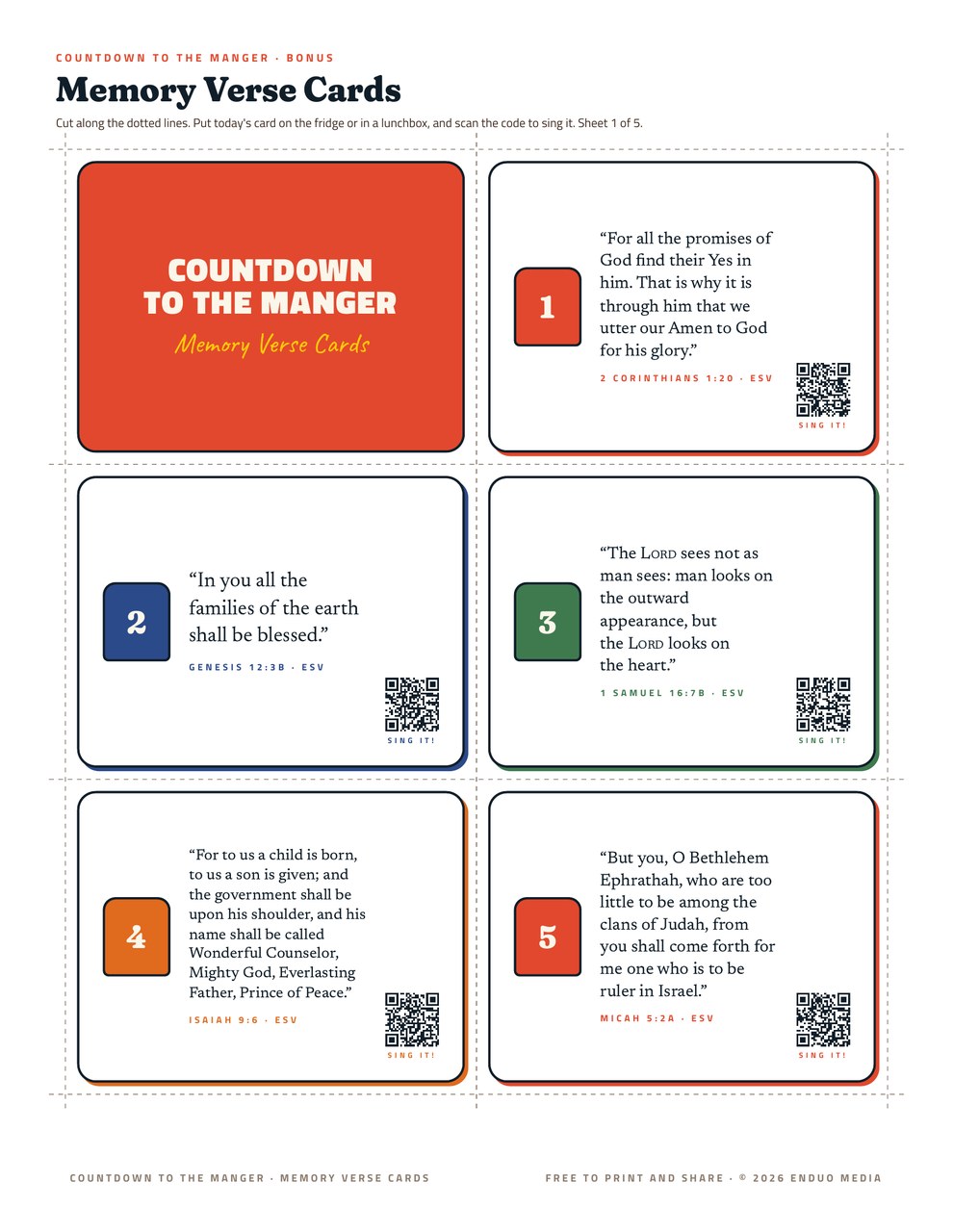
- Card stock helps. Ornaments, verse cards and nativity pieces hold up best on light card stock, if your printer can feed it.
- Black and white files These are made to stay clear in grayscale, so they’re a good pick for home printers and saving ink.
The devotional
Need another copy?
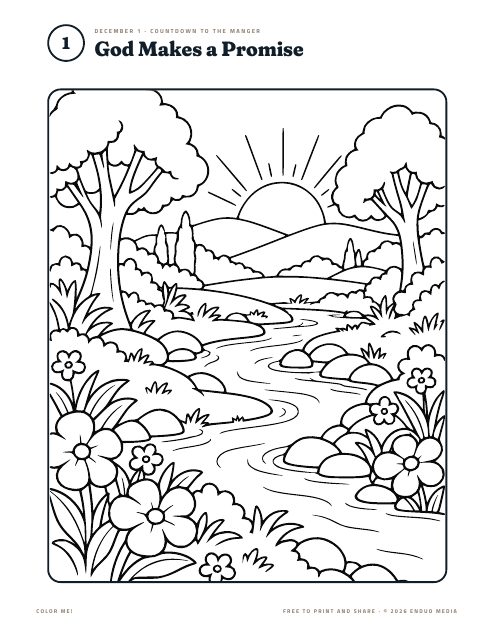
Your book in every format, for reading on a screen, sharing with a friend or printing fresh. Starts December 1.
Single pages
For reading on a screen, or for a print shop.
Download devotional (Letter, color)Booklet to fold
For home printers. Print double-sided, flip on short edge, fold and staple.
Download booklet (Letter, color)Sing along
Memory verse songs
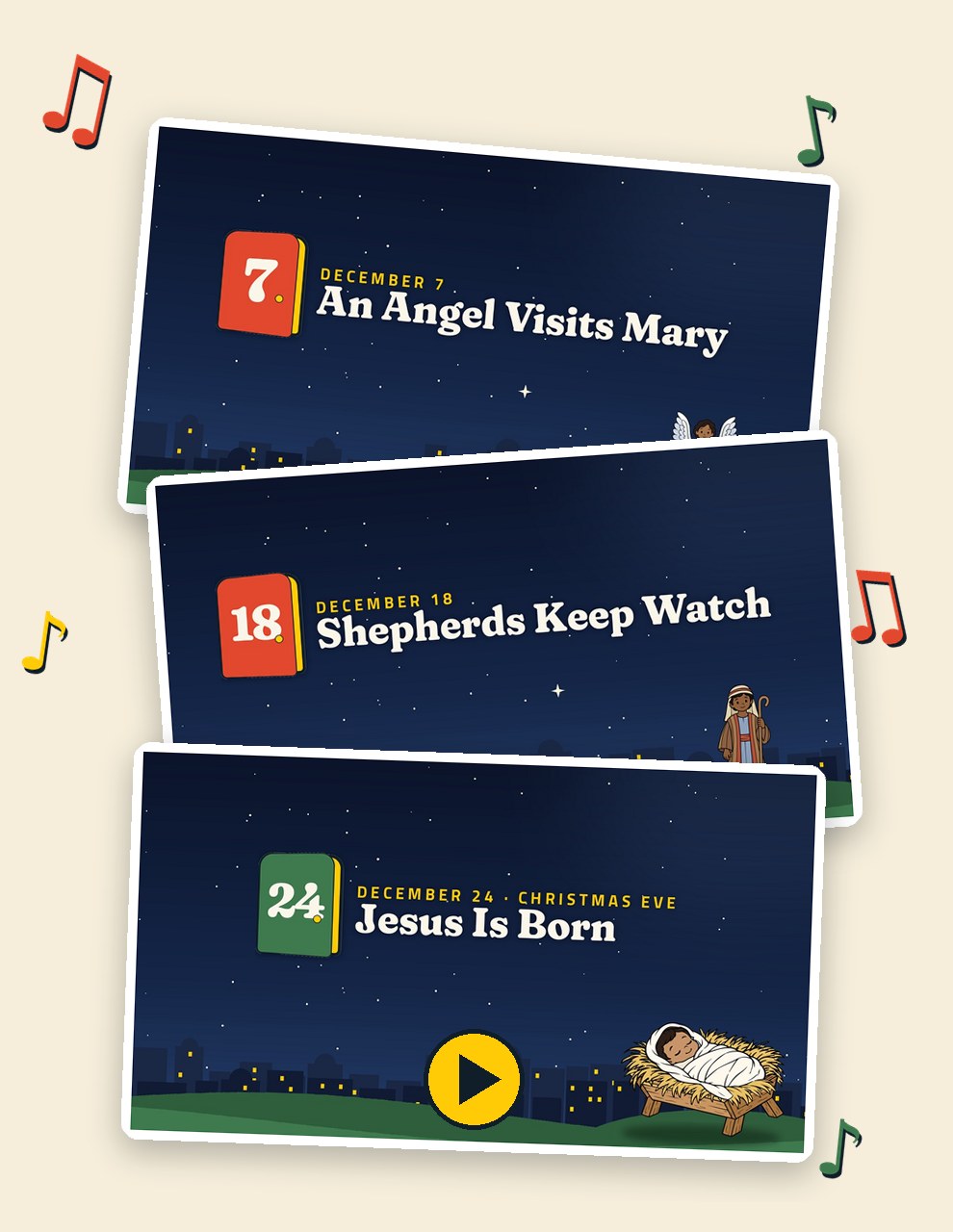
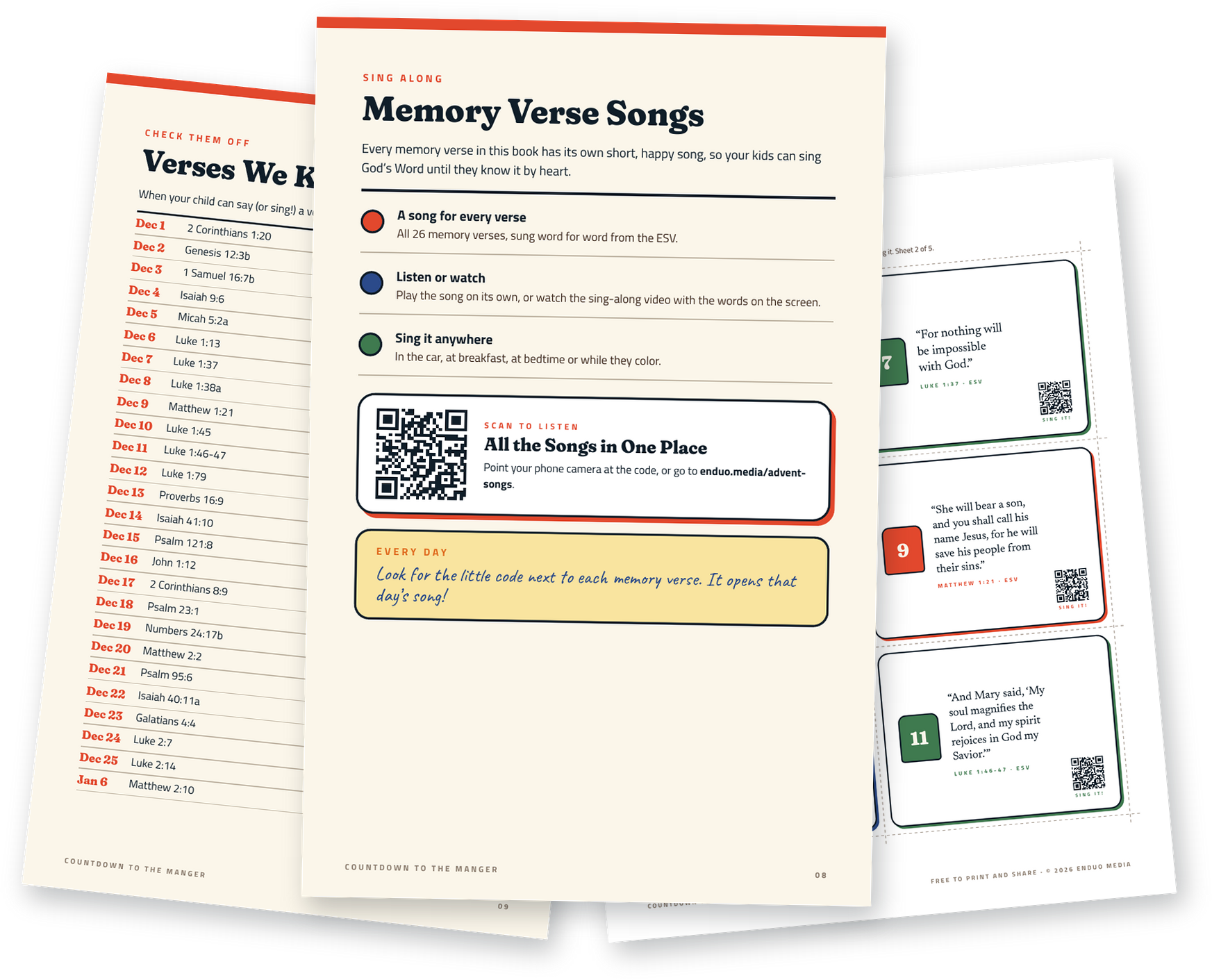
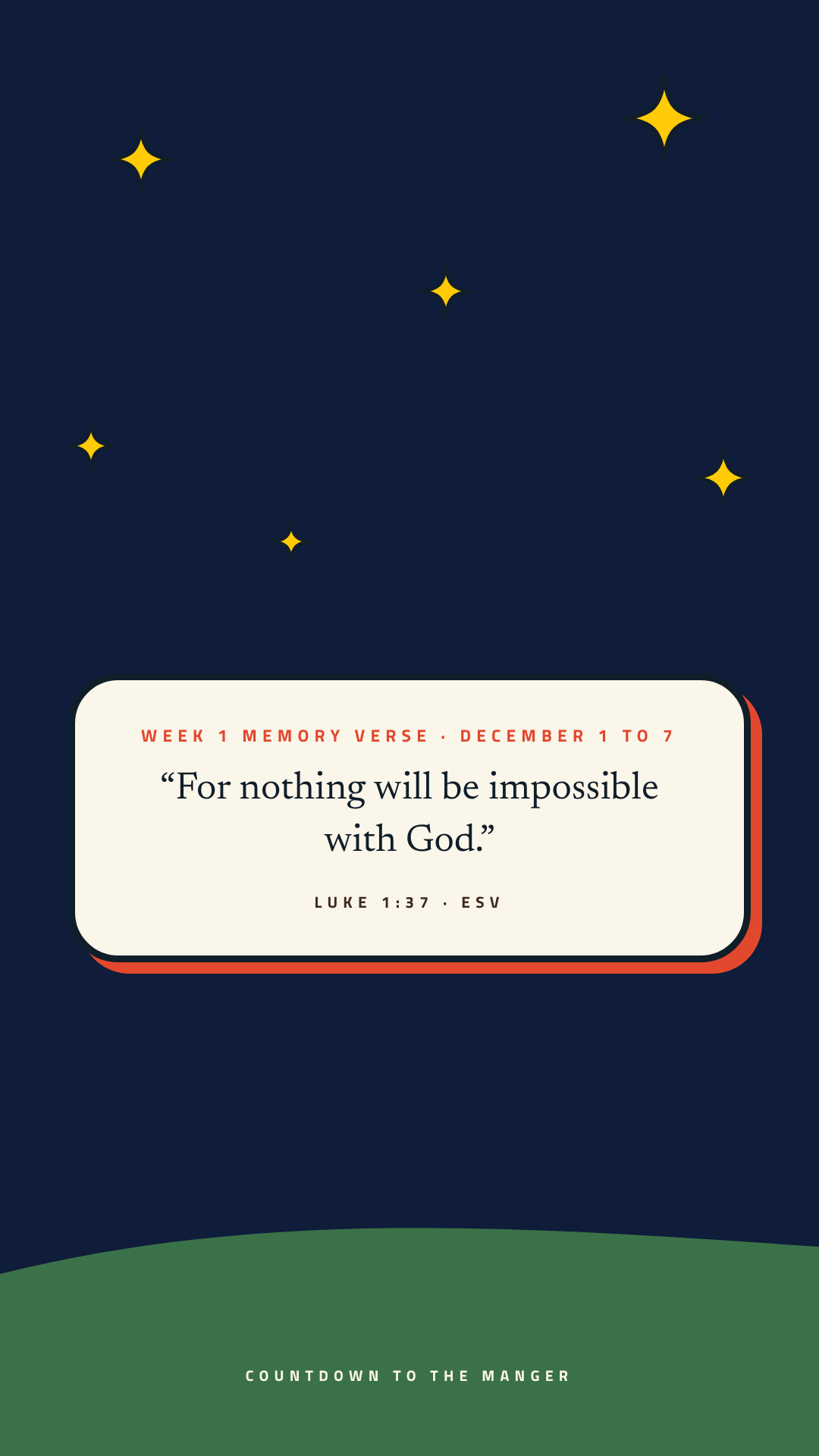
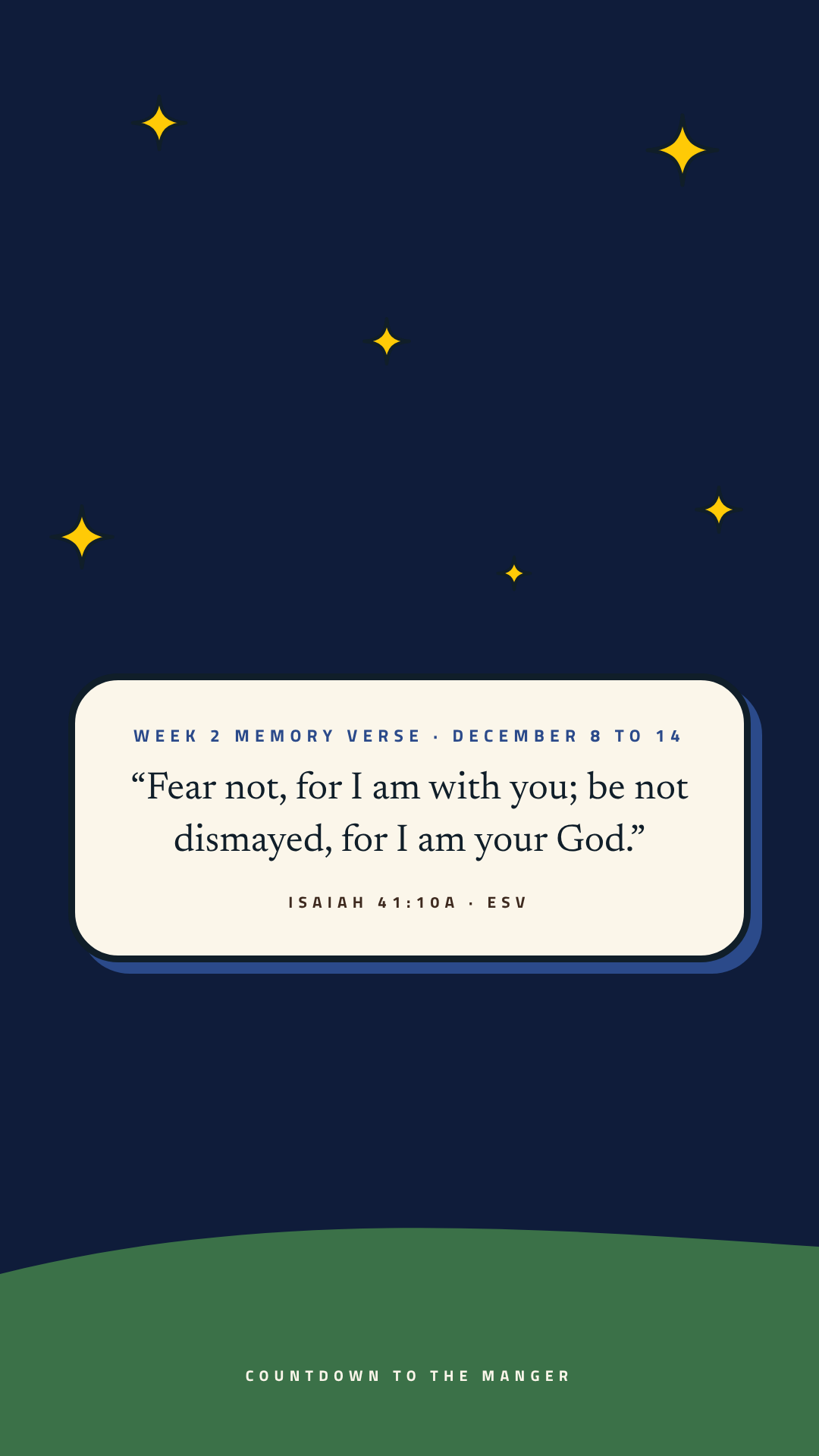
Every memory verse has its own sing-along song. Look for the little code beside each verse in the book and scan it to play that day’s song, or play them all right here.
Starts December 1 Day 1 · Dec 1: God Makes a Promise
Available now
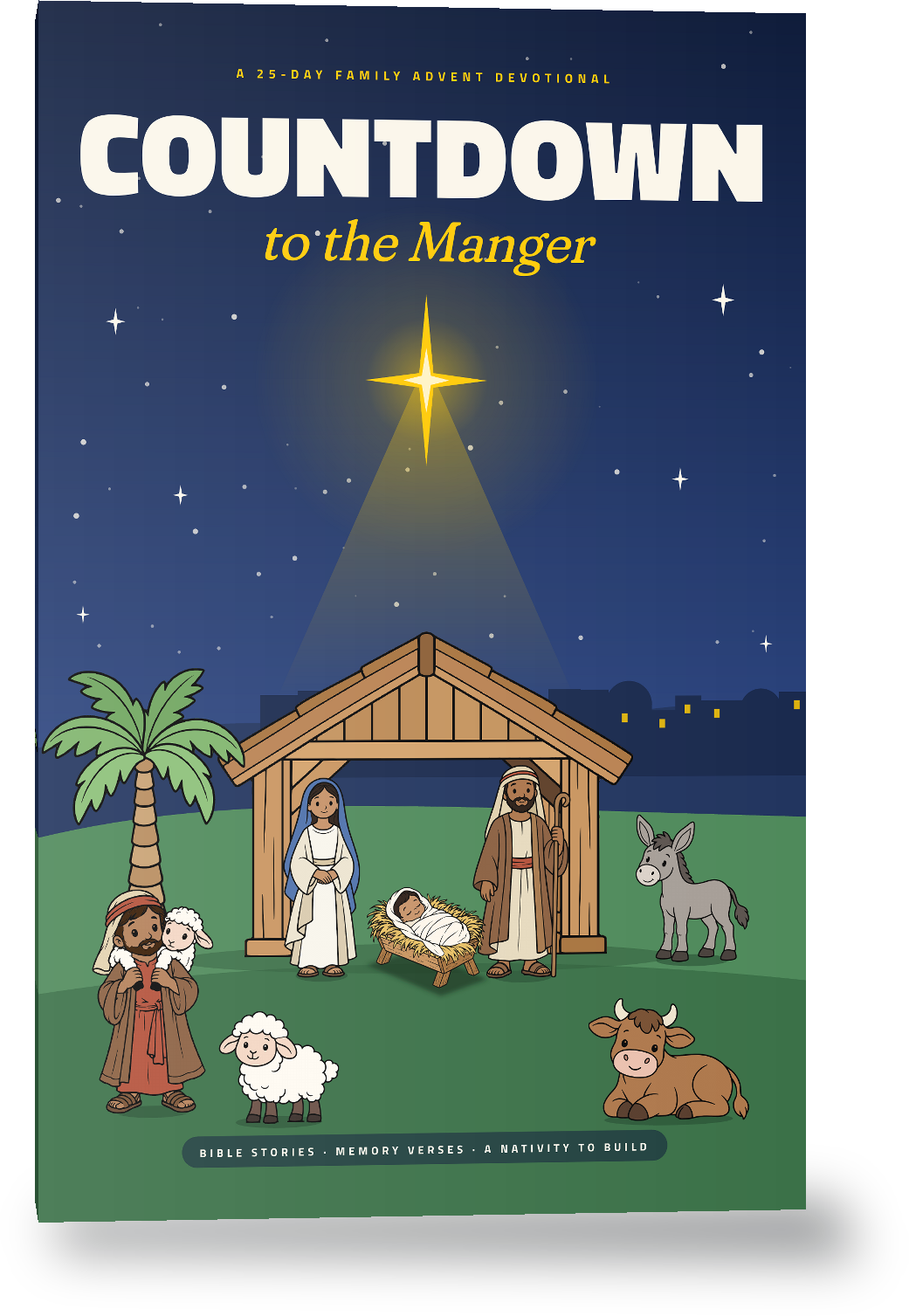
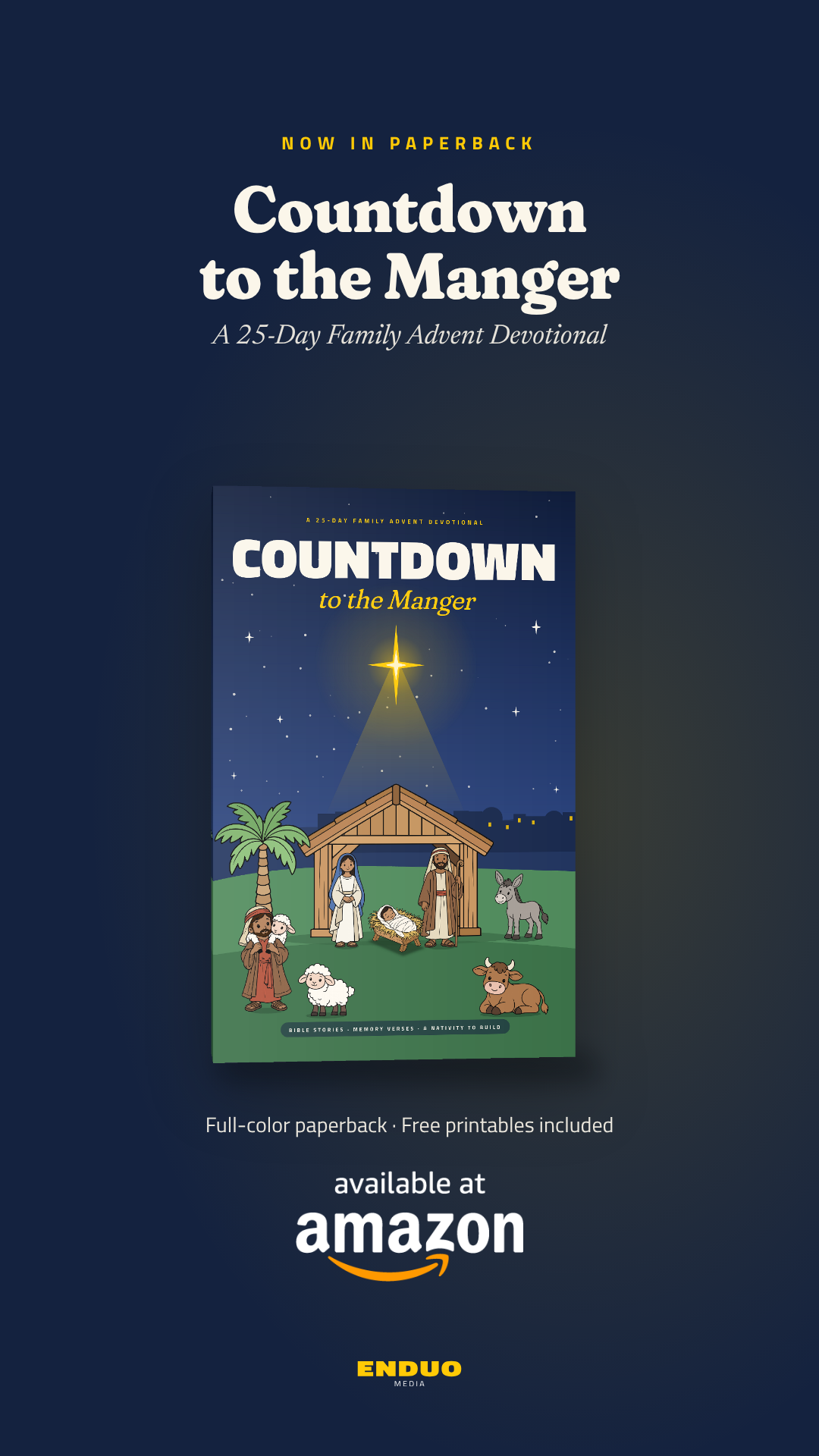
Countdown to the Manger in paperback
The family devotional as a sturdy full-color paperback your kids can hold, with the printable nativity still free right here.
$12.99
Every printable on this page works with the paperback too.
For church leaders
Promo kit for announcements
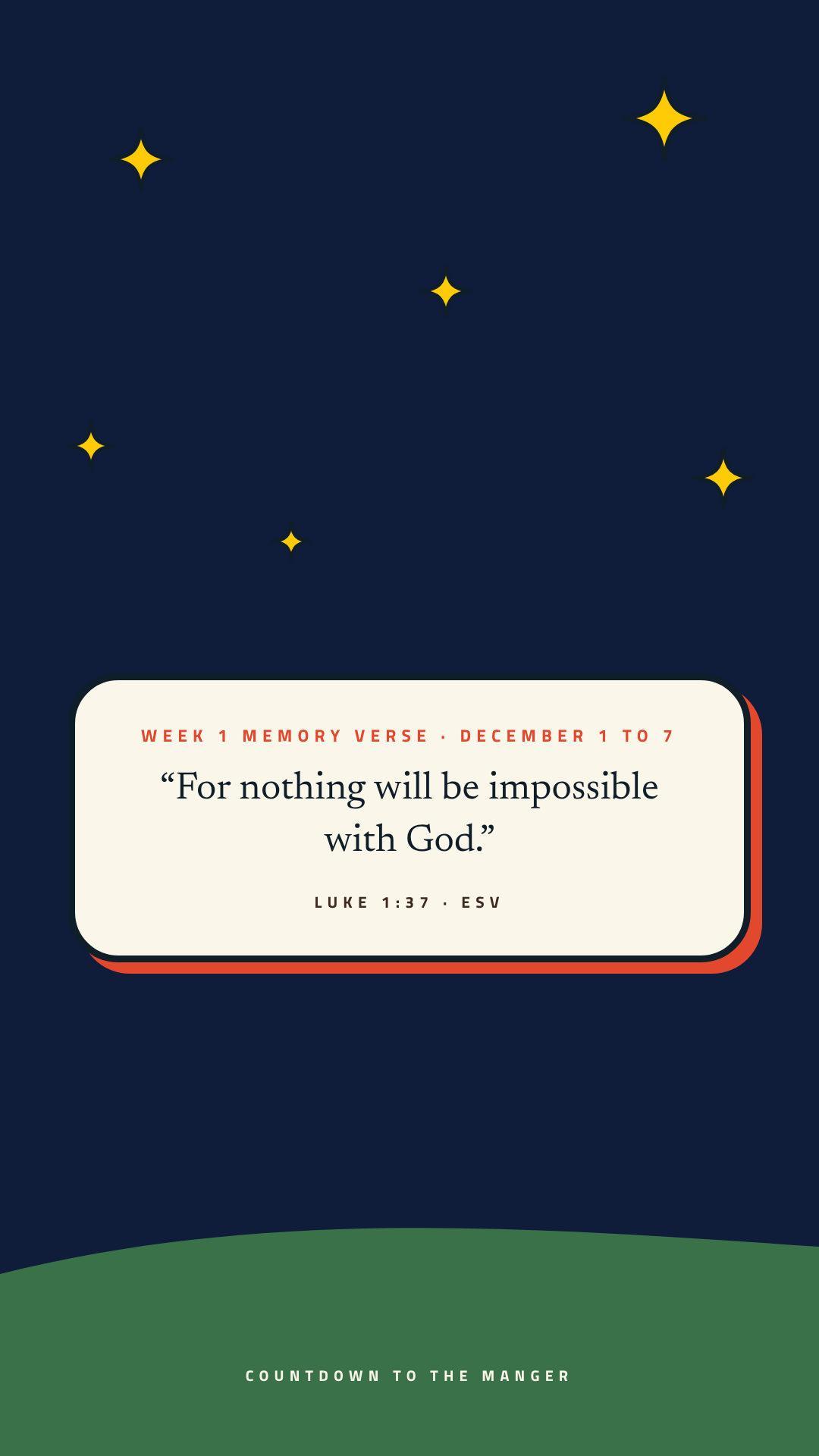
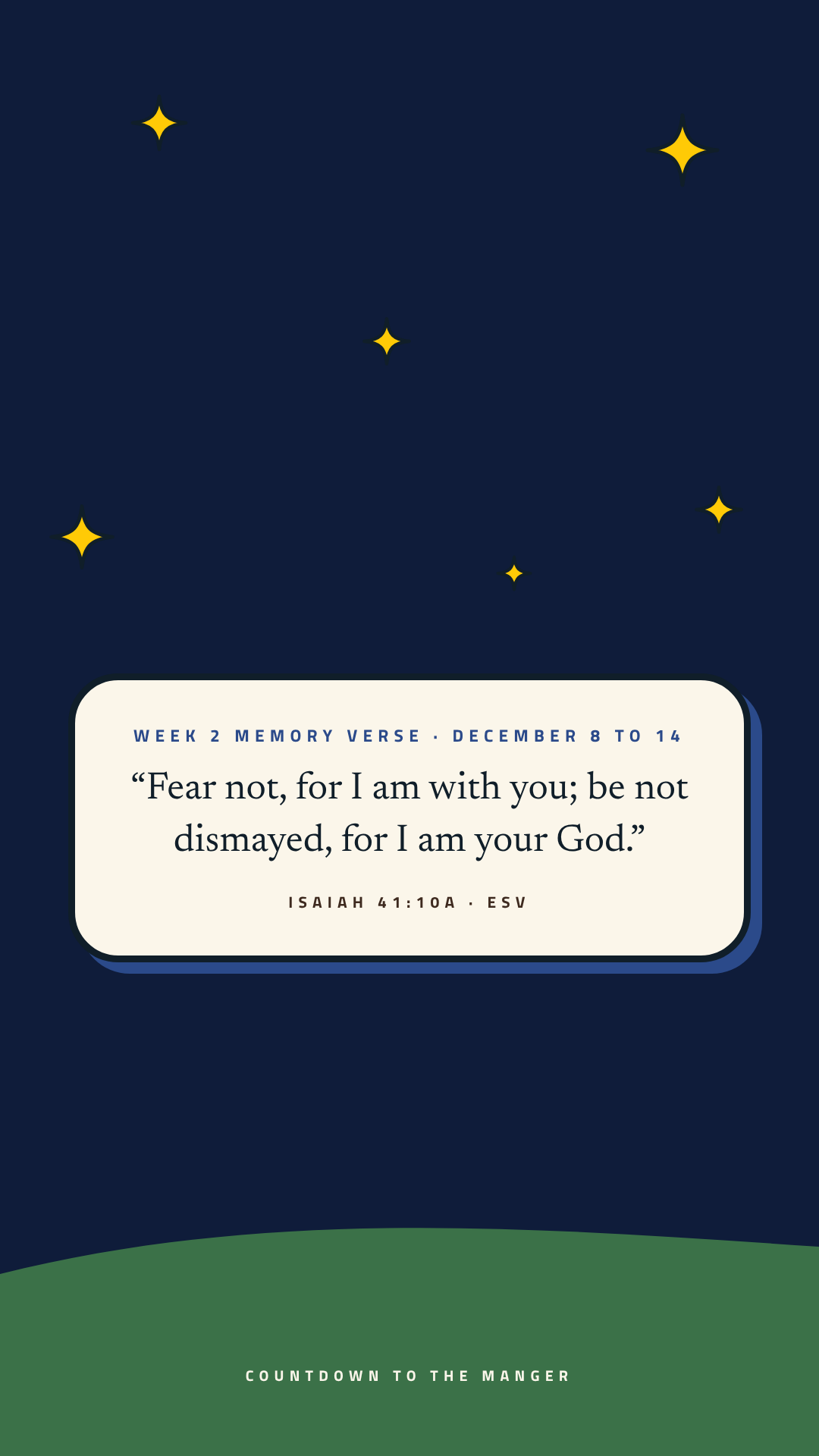
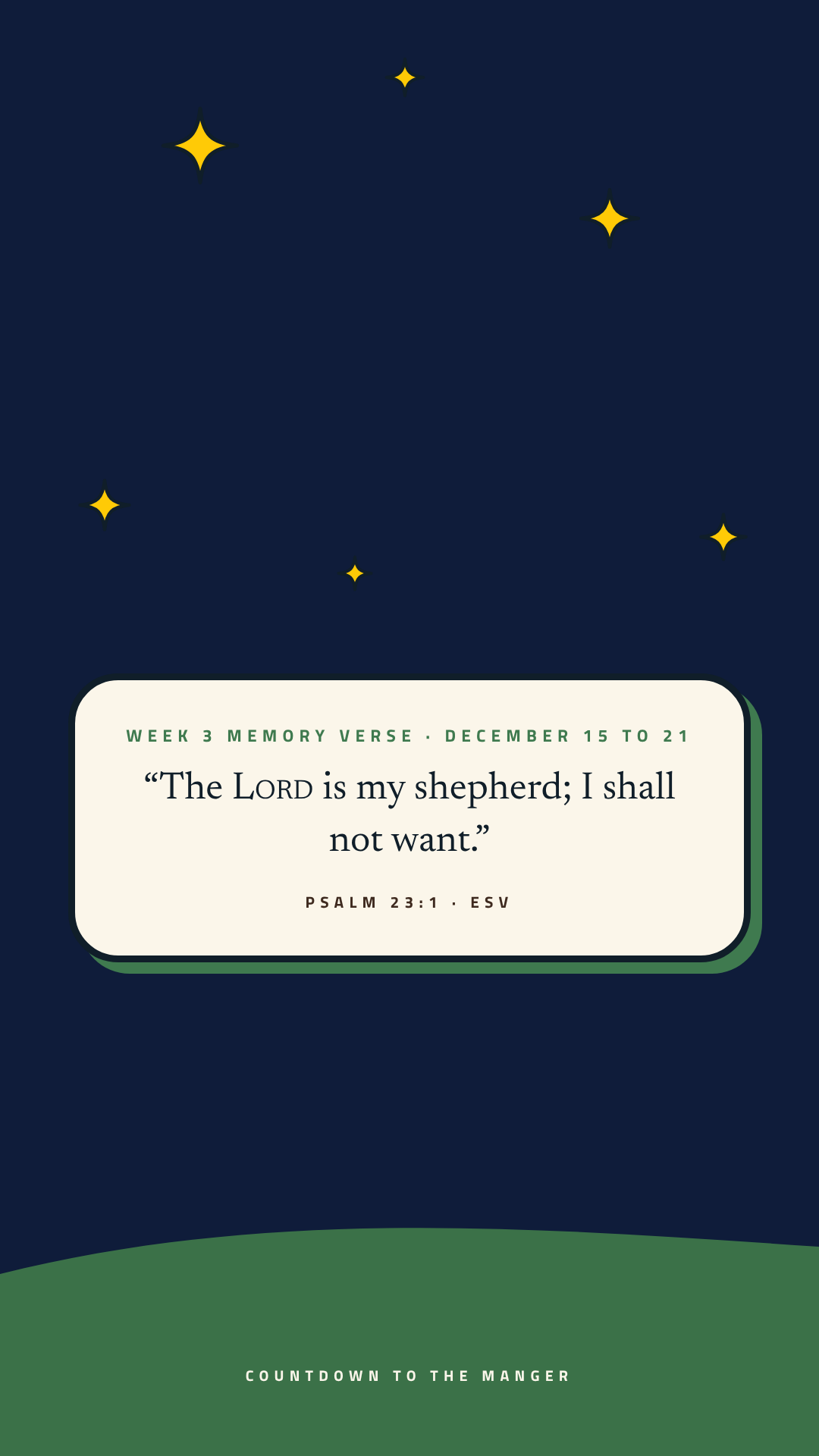
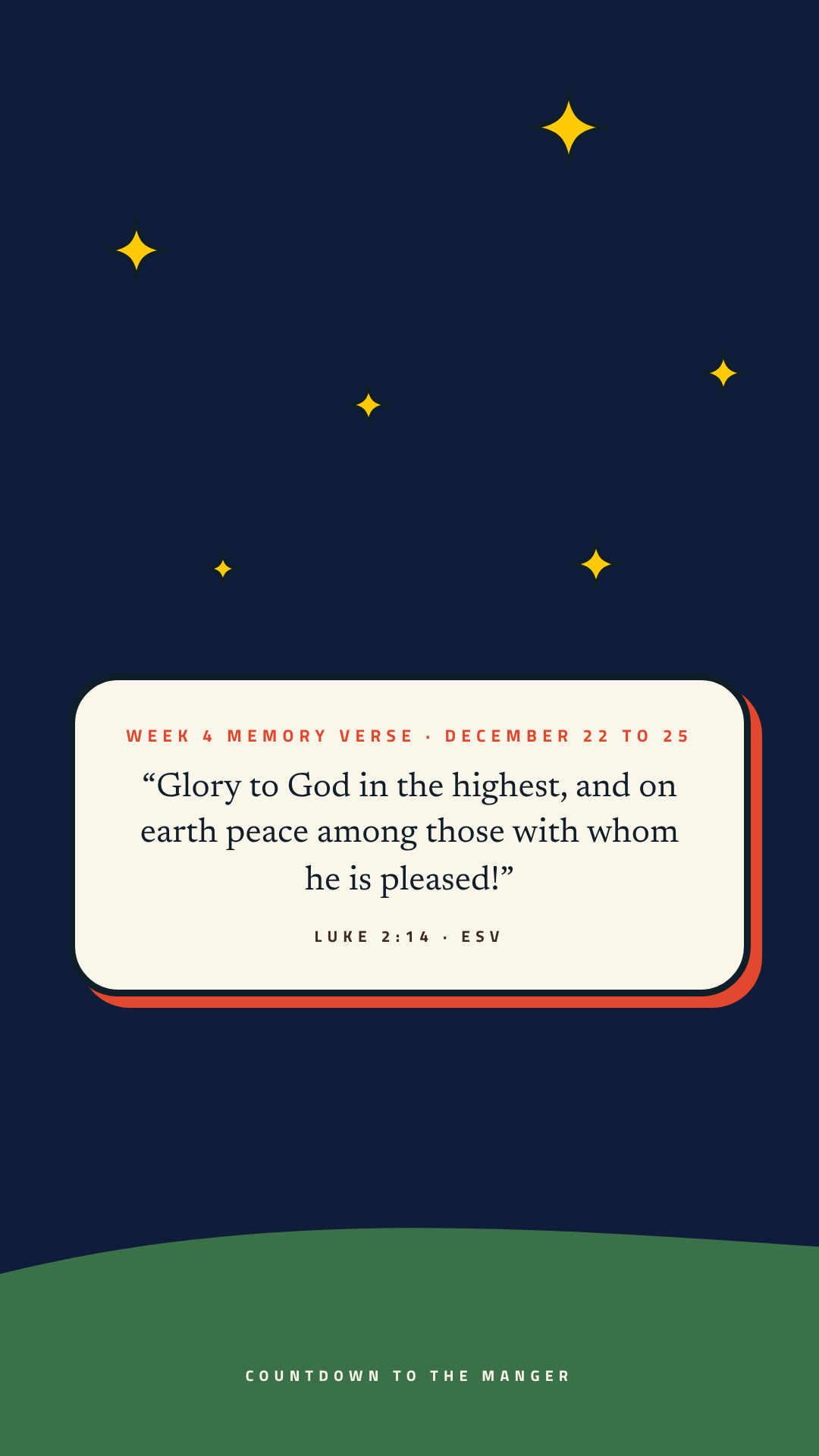
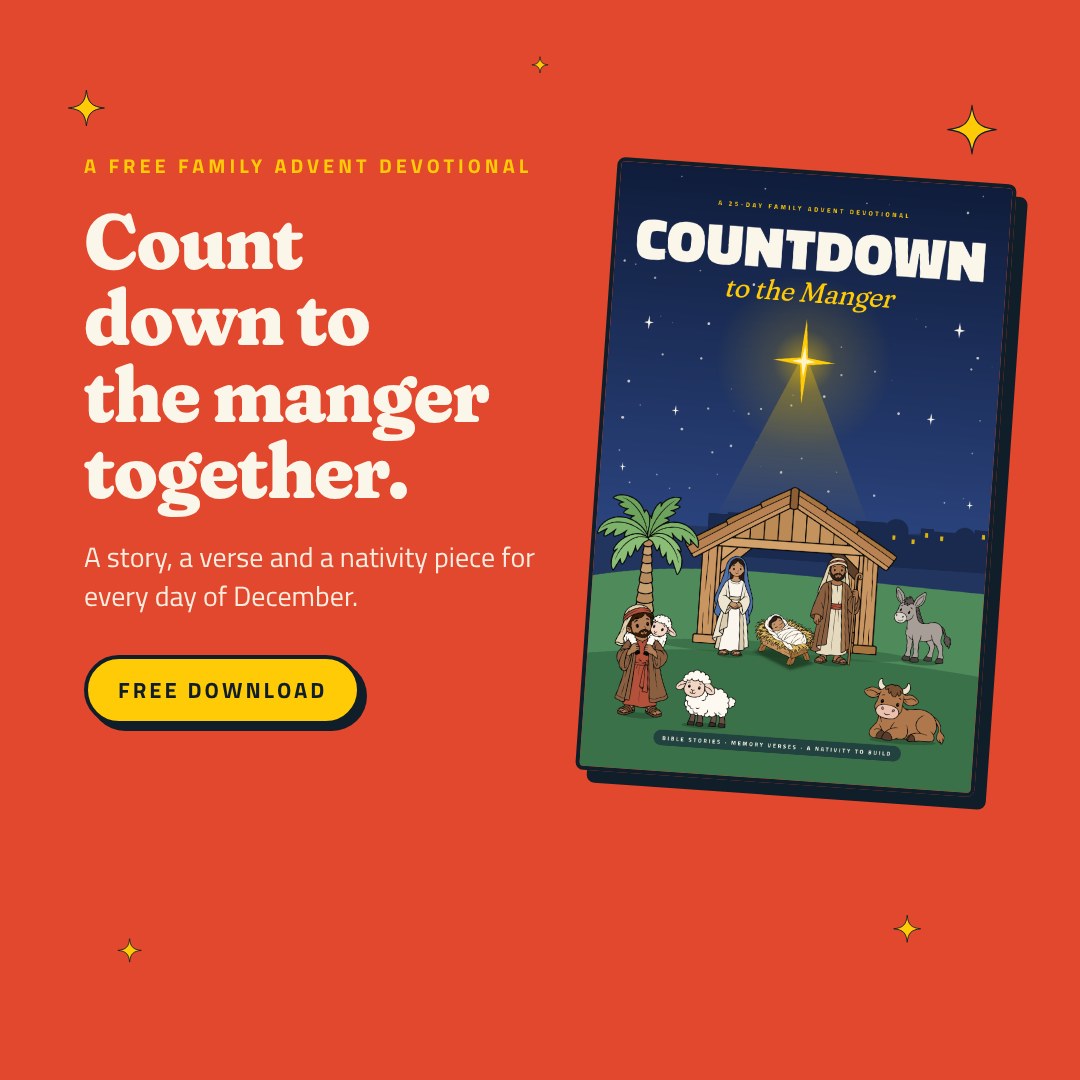
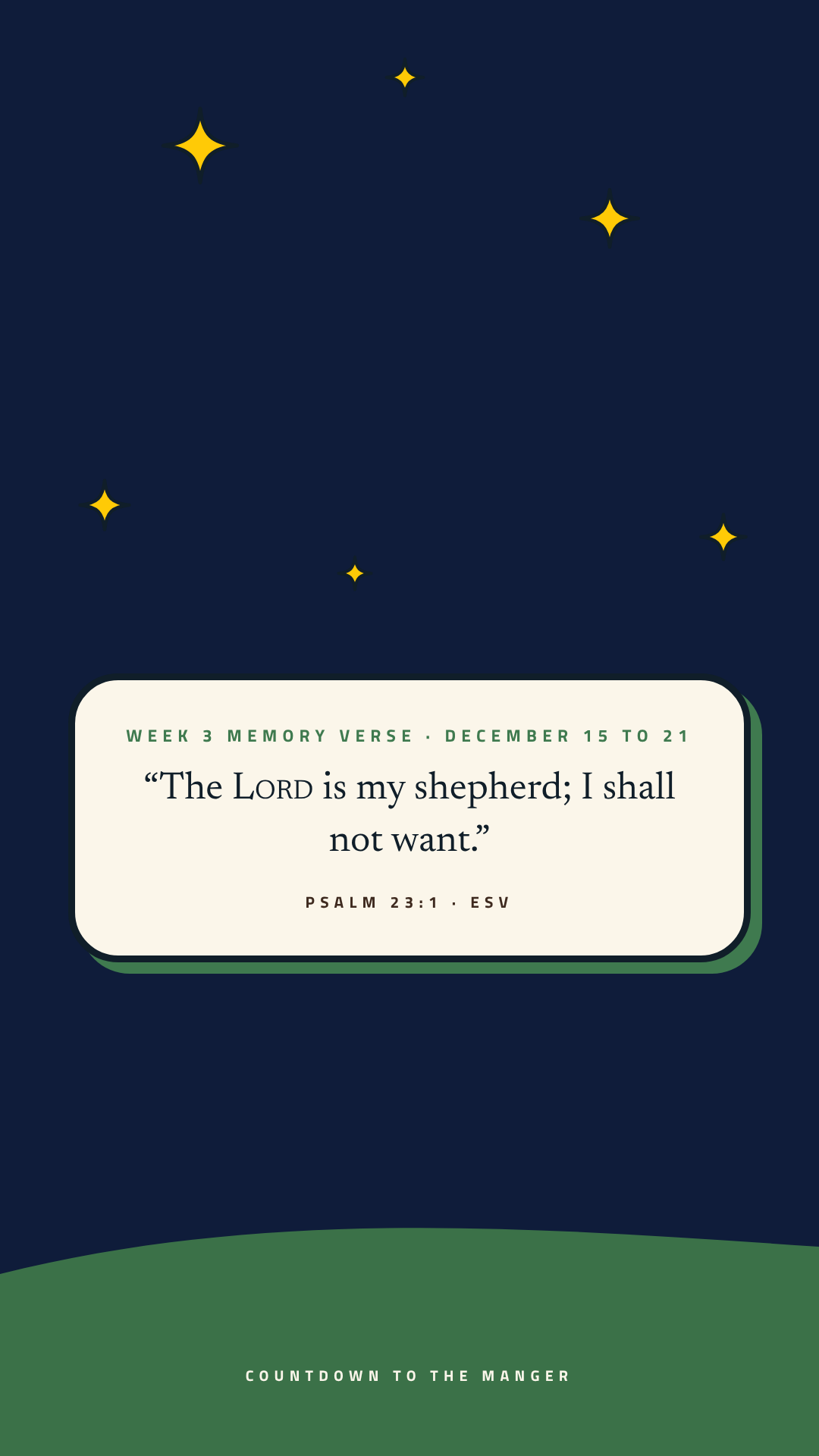
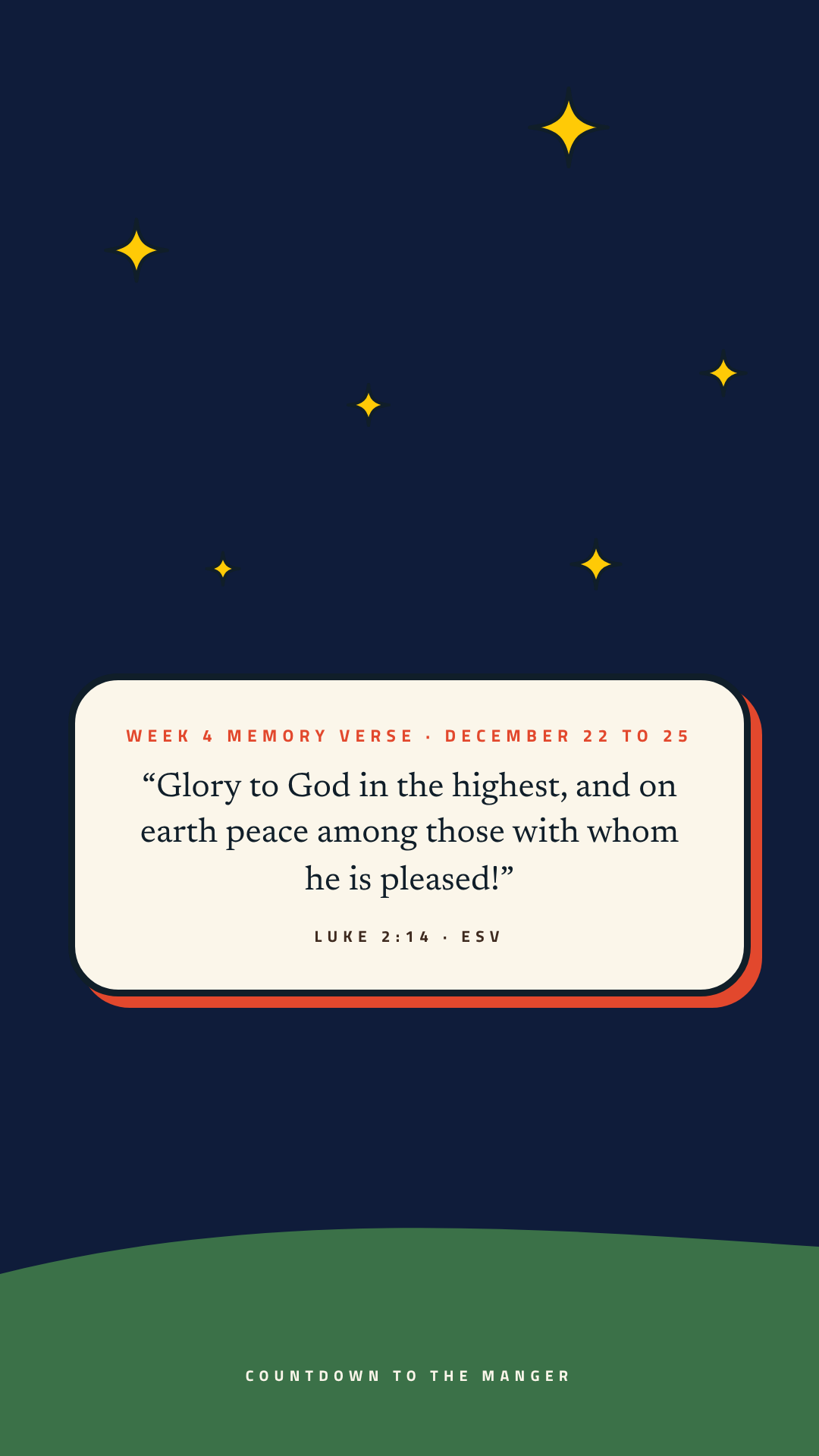
Graphics for your screens and social posts, plus copy you can adapt for your bulletin, email and stage announcement.
 Square post
 Story
 Slide
 Paperback square
 Paperback story
Flip through every page
See inside Countdown to the Manger
Pick a time that works for you.
Choose a day and a time, and we will send a confirmation email with everything you need.
See open timesHi there! I'm Techne. Pull up a chair and ask me anything about plans, print, video or getting started. If I don't know the answer, I'll get you to a real person on our team.
{{ m.q }}
A family Advent devotional
Countdown to the Manger
Count down to the manger together.
Your free devotional, printables, extras and printing help.
Also in paperback
Full color, 5.5 x 8.5 in $12.99
Let’s match the files to your printer.
Three quick questions, then everything below is ready to print.
Answer all three questions to see your files.
Your files: US Letter Color
Download everything (zip)Printables
Bonus resources
The nativity comes two ways. Pick full color if you just want to cut and glue, or to color if your kids would like to color each piece first. You only need one.
Before you print
- Print at actual size. Choose "Actual size" or 100%, not "Fit to page." The files already leave room for home printer margins.
- Cut-outs go single-sided. Print ornaments, cards, nativity pieces and candle tags on one side only, so cutting never ruins the back of another page.
- Booklets go double-sided. Choose "Flip on short edge," stack the sheets in order, fold in half and staple along the fold.
More printing help
- Printing from a phone? Turn on two-sided printing and choose short-edge binding if your printer offers it. If it doesn't, print the odd pages, flip the stack over, then print the even pages.
- Using a print shop? Send them the single-pages file, not the booklet file. Most shops arrange the pages for folding themselves.
- Card stock helps. Ornaments, verse cards and nativity pieces hold up best on light card stock, if your printer can feed it.
- Black and white files These are made to stay clear in grayscale, so they're a good pick for home printers and saving ink.
The devotional
Need another copy?
Your book in every format, for reading on a screen, sharing with a friend or printing fresh. Starts December 1.
Single pages
For reading on a screen, or for a print shop.
Download devotional (Letter, color)Booklet to fold
For home printers. Print double-sided, flip on short edge, fold and staple.
Download booklet (Letter, color)Sing along
Memory verse songs
Every memory verse has its own sing-along song. Look for the little code beside each verse in the book and scan it to play that day’s song, or play them all right here.
Today’s song Day 1 · Dec 1: God Makes a Promise
Available now
Countdown to the Manger in paperback
The family devotional as a sturdy full-color paperback your kids can hold, with the printable nativity still free right here.
$12.99
Every printable on this page works with the paperback too.
For church leaders
Promo kit for announcements
Graphics for your screens and social posts, plus copy you can adapt for your bulletin, email and stage announcement.
 Square post
Flip through every page