
Client Hub
Everything for your church,in one place.
Your project dashboard, creative meetings, billing, our holiday schedule and free resources for your team.
Log in to the Client Hub.
The Client Hub is for our current clients. Use the email you use for your project dashboard or for billing.
Having trouble logging in? Send us a message and we will get you back in.
Not working with us yet? Schedule a call.
Pick a time that works for you.
Choose a day and a time, and we will send a confirmation email with everything you need.
See open timesHi there! I'm Techne. Pull up a chair and ask me anything about plans, print, video or getting started. If I don't know the answer, I'll get you to a real person on our team.
{{ m.q }}
Client Hub
Everything for your church,in one place.
Your project dashboard, creative meetings, billing, our holiday schedule and free resources for your team.
Log in to the Client Hub.
The Client Hub is for our current clients. Use the email you use for your project dashboard or for billing.
{{ hubErr }}
Having trouble logging in? Send us a message and we will get you back in.
Not working with us yet? Schedule a call.
Your shortcuts
What do you need today?

Your project dashboard
Review proofs, leave feedback, approve projects and download files.
Log in to your project dashboard


Billing and payment
See invoices, update your card or download receipts in your billing portal.
Open the billing portal
Billing questions
Questions about an invoice or your account? Our billing team can help.
Email billing
Booklet and video guide
What to send us for a booklet or video, and how those projects work.
Read the guideOur schedule
When we're in, and when we're out.
We work Monday to Friday, 9am to 5pm ET. Here is every day we are closed, always up to date. Requests sent on a closed day are picked up the next business day.
{{ holMonthText }}
Need something finished before a closure? Send it at least one week ahead, and two weeks ahead of Thanksgiving and Christmas. Each date below has a submit by day.
When a holiday lands on a weekend, we close on a nearby weekday instead.
Resources for your team
Tools to help your church plan, post and serve.
Free guides, calendars and ideas we made for churches like yours. Share them with your staff and volunteers.

Social Media Guide
A 68 page plan to help your church’s feed feel like walking into your church lobby. Start with who you are, build your team, and know what to post with four content pillars and 200 post ideas. Plan your rhythm with example calendars, engage like a host, protect your people and accounts, and measure what matters.
68 pages. 10 printables. No email required.
Get the guide
Photography Guide
A 52 page handbook for your church photography team. Build and care for your volunteers, understand permission, privacy and who owns the photos, plan every shoot with printable shot lists, and learn the camera and phone basics. Then cull, edit, organize and share your photos with confidence.
52 pages. 15 printables. No email required.
Get the guidePrintables and calendars
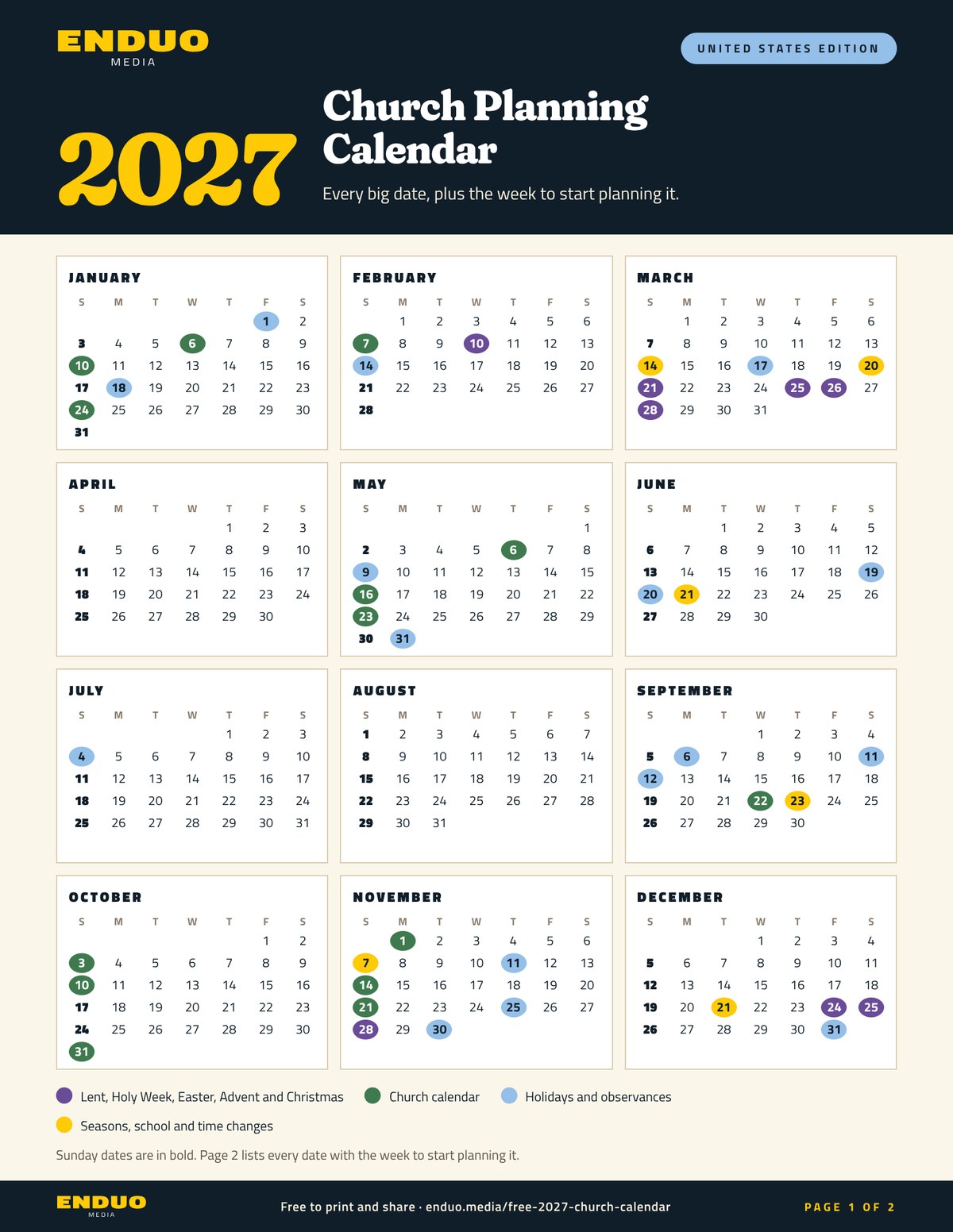
2027 Church Planning Calendar
Every key date, plus the week to start planning it.
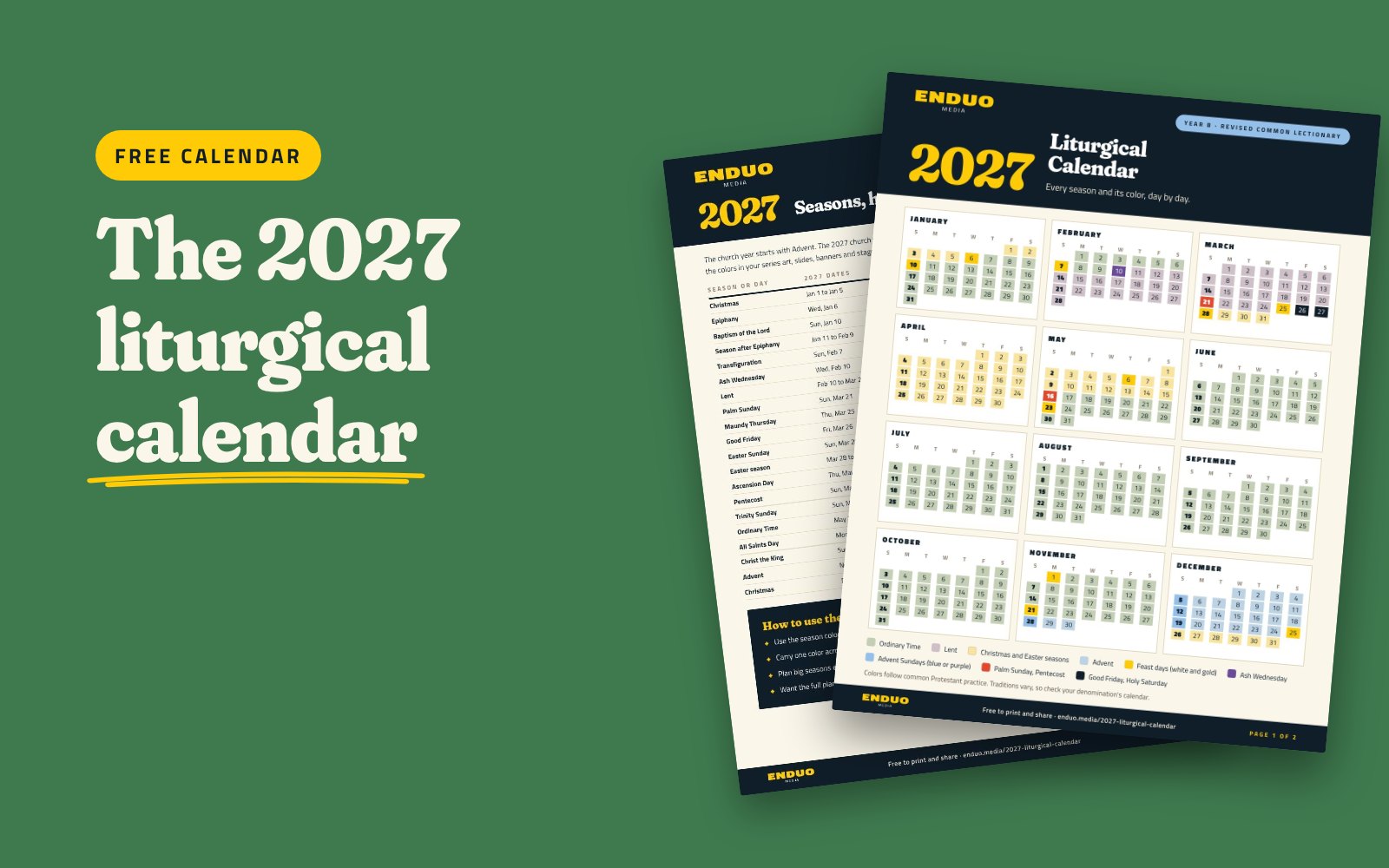
2027 Liturgical Calendar
Every season, holy day, and liturgical color for the year.
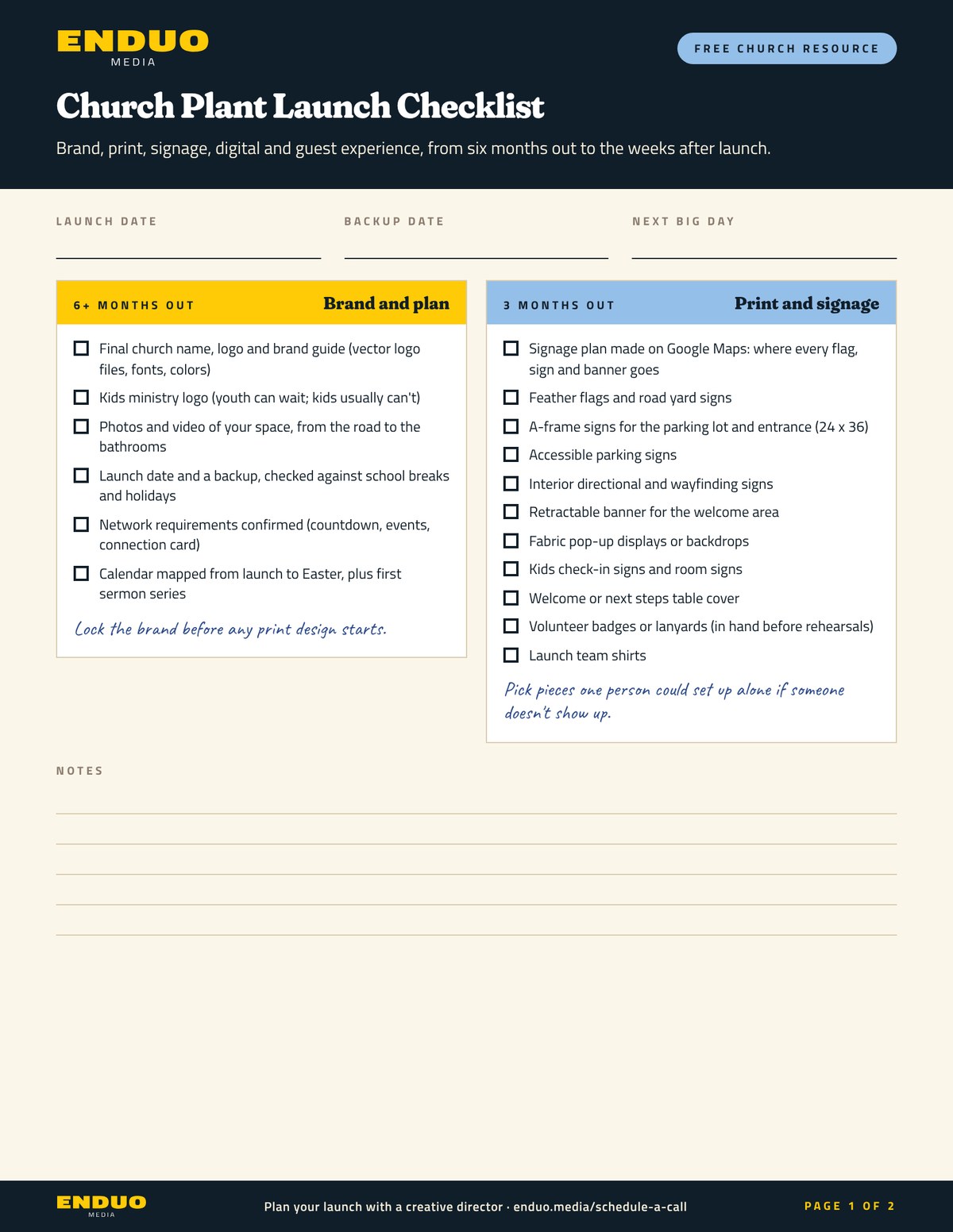
Church Plant Launch Checklist
Brand, print, signage, and guest experience, from six months out to the weeks after launch.
Fresh from the blog
See every post


Common questions
Quick answers for our churches.
How do I add someone to our project dashboard?
Send us a message with their name and email address and we will add them. There is no limit. Ask them to check spam for the Wrike invite, and tell us when someone leaves your staff.
I submitted a request. Why can't I see it?
Check your email for the confirmation, then switch your dashboard filter from My Active to All Active. New requests can take a few minutes to appear.
Where are our creative meeting notes?
In your project dashboard, in your Creative Meeting Notes folder, as a PDF after each meeting.
How far ahead should we submit requests?
Plan as early as you like. We ask that projects not be finalized more than 3 months before you share them or order print. We work in order of your due dates, and print comes first.
Where are our final files?
Finished files come to you as a Dropbox Transfer link. Links expire, so download and save them when they arrive.
How do we get source files?
Standard and Premium include source files (PSD, AI and INDD). Ask for them on your request form or before the project is complete. On Basic, we send any file a print or merch vendor requires.
Can we get the fonts?
It depends on the font license. If we cannot share the file, we send you a link to buy it. Note the fonts you need on the request form.
Can we reopen a closed project?
Yes. After 90 days, submit a new request and choose the revision option.
When is your team in the office?
Monday to Friday, 9am to 5pm ET. We are out evenings and weekends, so send assets before Friday. Our current holiday schedule is right here in the Client Hub.
Having trouble logging in to your project dashboard?
Send us a message and we will get you back in.